
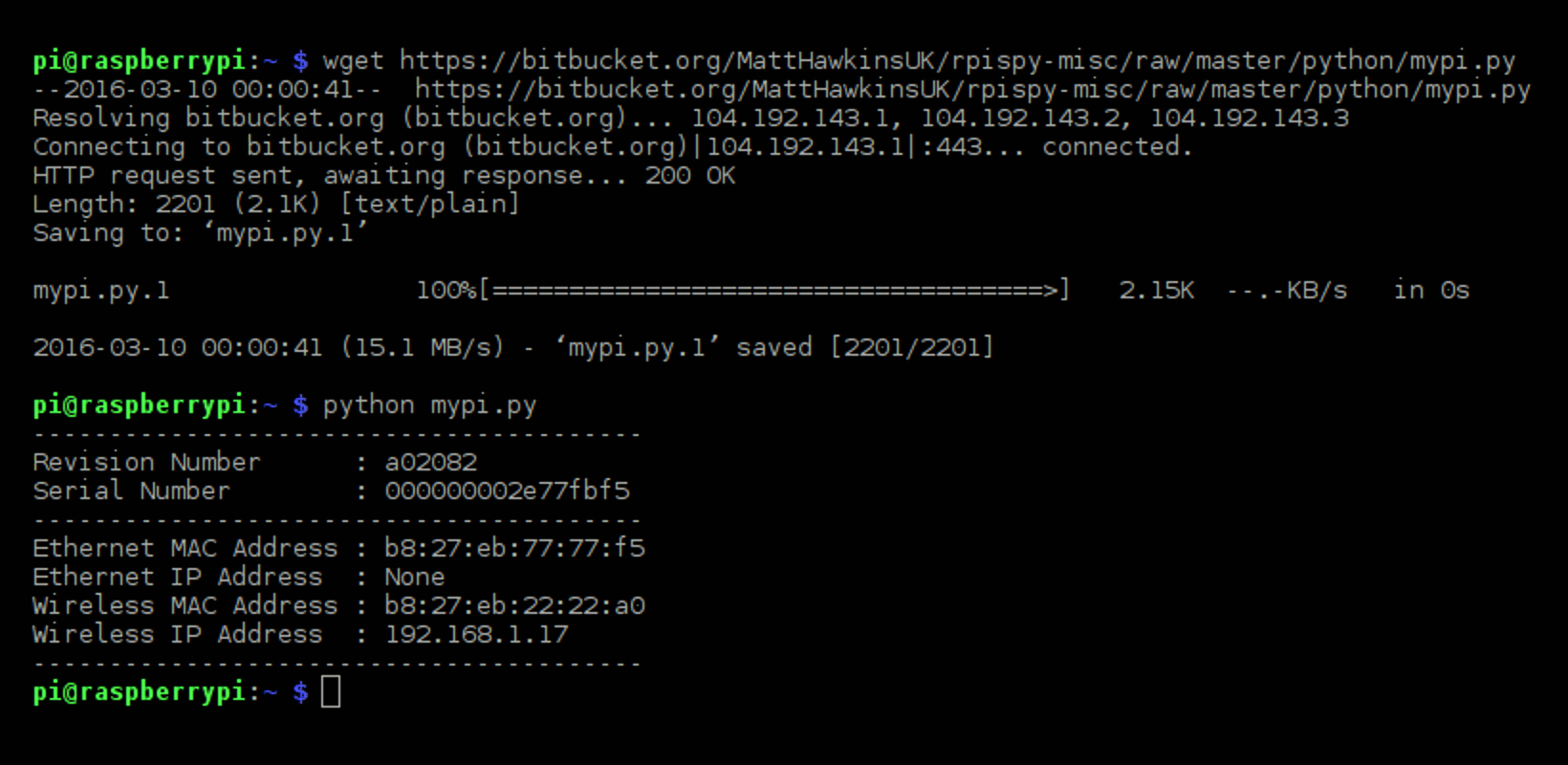
It can sometimes be useful to obtain the MAC address of your Raspberry Pi’s network interfaces. The “Media Access Control” address is a unique identifier given to all networked devices. The address is different for all Pi’s and can be used to identify your device. Think of it as a digital fingerprint. There is a separate MAC address for Ethernet and WiFi interfaces.
There are a number of ways to identify them using the command line or using Python code. Below are some quick examples you can use to find the MAC address.
From the Command Line
To find the MAC address from the command line you need to know the name of the interface. The Ethernet interface used to be called “eth0” but in newer versions of Raspbian it may be “enx########” where ######## is the MAC address. This means the Ethernet interface name is unique for every Pi. The first WiFi interfaces is still named “wlan0”.
You can find the interface names by using :
ls /sys/class/net/
The name will be one of the displayed sub-directories alongside “lo”.
You can then use the following command :
cat /sys/class/net/####/address
or you can type :
ifconfig ####
You should swap #### for the interface name.
This will result in output similar to :
eth0 Link encap:Ethernet  HWaddr c7:35:ce:fd:8e:a1
     inet addr:192.168.0.16  Bcast:192.168.0.255  Mask:255.255.255.0
     inet6 addr: fe80::ba27:ebff:fefc:9fd2/64 Scope:Link
     UP BROADCAST RUNNING MULTICAST  MTU:1500  Metric:1
or
enxc735cefd8ea1: flags=4163<UP,BROADCAST,RUNNING,MULTICAST> mtu 1500
  inet 192.168.1.12 netmask 255.255.255.0 broadcast 192.168.1.255
  inet6 fe80::5280:6726:a47d:f38c prefixlen 64 scopeid 0x20<link>
  ether c7:35:ce:fd:8e:a1 txqueuelen 1000 (Ethernet)
The “HWaddr” or “ether” value is the MAC address. In this example “c7:35:ce:fd:8e:a1”
Finding the Ethernet Interface Name Using Python
The names used for the Ethernet and wireless interface on the current version of Raspbian are “eth0” and “wlan0”.
In some older iterations of Raspbian these names were based on the MAC address of the interface using what is known as “predictable interface names”. For this reason I created a function to determine the name regardless of the scheme being used :
def getEthName():
  # Get name of the Ethernet interface
  try:
    for root,dirs,files in os.walk('/sys/class/net'):
      for dir in dirs:
        if dir[:3]=='enx' or dir[:3]=='eth':
          interface=dir
  except:
    interface="None"
  return interface
It looks at the sub-directories of /sys/class/net/ and finds either “eth0” or the name starting with “enx”.
In your script you could use this function to read the interface name into a variable :
ethName=getEthName()
Finding the MAC Address Using Python
The following Python function can be used to obtain the MAC address of your Raspberry Pi :
def getMAC(interface='eth0'):
  # Return the MAC address of the specified interface
  try:
    str = open('/sys/class/net/%s/address' %interface).read()
  except:
    str = "00:00:00:00:00:00"
  return str[0:17]
This function can be called using the following line :
getMAC('eth0')Or if you have a WiFi connection :
getMAC('wlan0')Finally combining both functions would give you ability to find the Ethernet interface name and then retrieve the address without worrying about what version of Raspbian was being used:
ethName=getEthName()
ethMAC=getMAC(ethName)
14 Comments
or you can use:
`$ ifconfig`
& it’s the `HWaddr` numbers
Thanks for the tips. I’ve updated the article to mention “ifconfig”.
You should also mention typing the
following in the command line:
ifconfig
And what about good old-fashioned #ifconfig?
ifconfig and friends are wrappers to the /sys filesystem.
Isn’t there something nice and simple about read()ing and write()ing to a file rather than spawning another program, and parsing the output?
Several minor fixes and improvements to the Python code:
1. The open command should not have a comma in the arguments.
2. readline() could just be read() as there will never be more than one line.
3. Instead of returning str[0:17] just return str.strip() and it will remove the trailing newline.
4. (Stylistic only) Try to avoid “str” as the name of a variable, as it masks the str type which is a builtin function. Obviously not important in a tiny function like this but it’s a good practice not to mask builtin names… some day you’ll avoid wasting hours troubleshooting the obscure bugs caused by doing such things.
Thanks for the tips. I’m going to be tidying up this function soon so I will take on board all your suggestions. “str” is a stupid name for a variable and I’m not even sure how I didn’t notice that at the time!
Thank you for this! I installed Pidora and ifconfig wasn’t there! Thank you for posting both. I have been working with Linux for years and thanks to ifconfig I had no idea about the underlying file structure.
Alternative method: Plug your Rpi via ethernet cable to your router, switch on, wait a minute, and then check your routers status page for it’s list of connected devices: If it can see the Pi, the MAC address will probably be listed there (works with my “EE Brightbox” router anyway)
Hi, nice script but i will give an advice which is to you close the file at end.
Try using “with statement”
Thanks! Worked perfectly
i am sure, im not the first one to recommend that…
why not print the mac address near the nic on the device Surface?
The ifconfig command has (sadly) been deprecated for years, and some distros have finally removed it. The intended replacement is a tool called “ip”. To get the MAC address, try:
ip addr
A simple python way:
from uuid import getnode
print(hex(uuid.getnode())[2:]))